
Machine-translated from Danish
How to compare two versions
Purpose
Section titled “Purpose”See how the climate impact changes between two or more versions of the same project, e.g. before and after a change.
Prerequisites
Section titled “Prerequisites”The project has at least two versions, and they’ve been calculated.
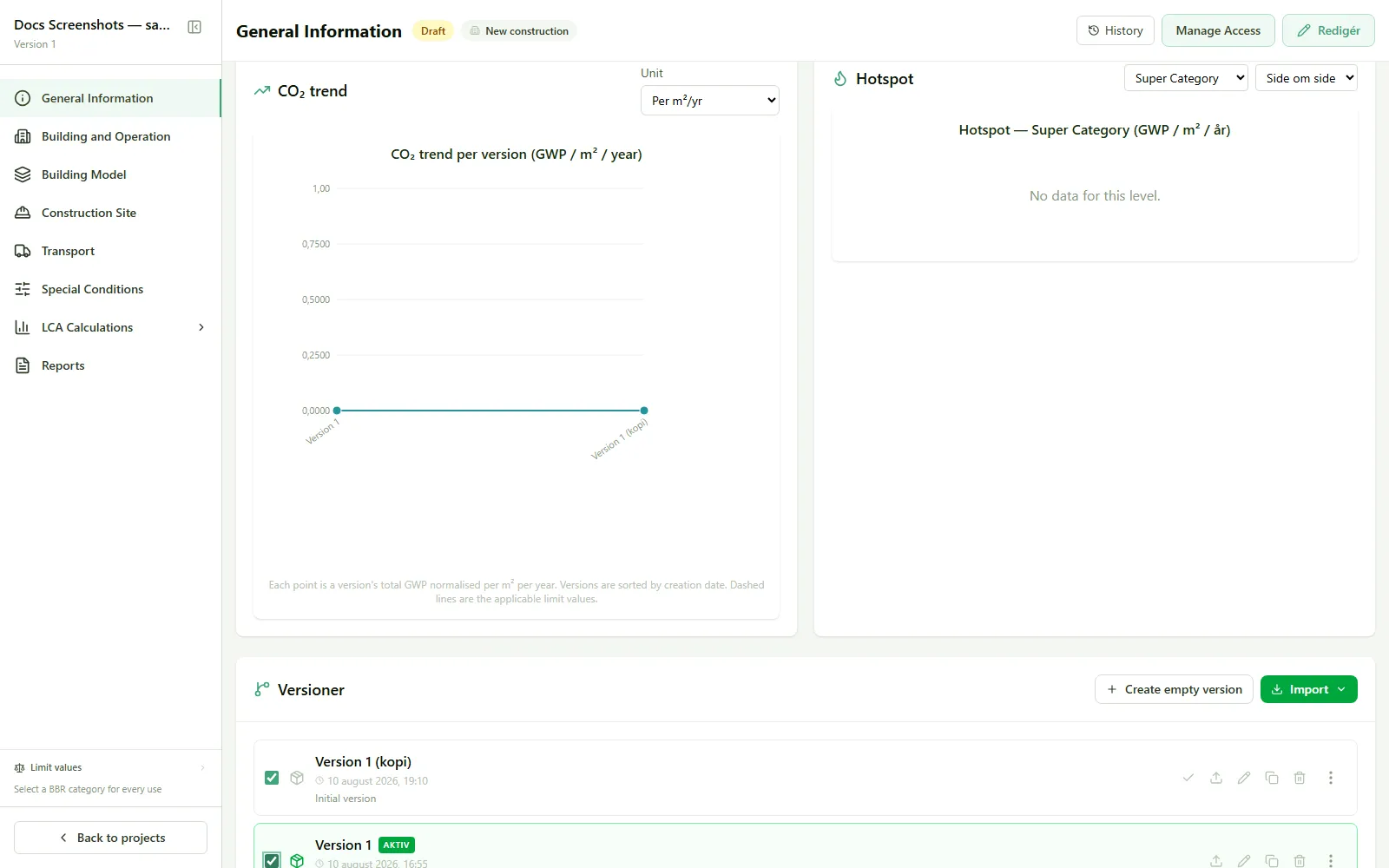
- Go to General information.
- Check the versions you want to compare in the version list.
- Watch the Version comparison chart at the top of the page update automatically.
- Choose a unit (per m²/year, per m², or total) in the chart card’s unit selector, or choose Weight (kg) to compare the versions’ weight instead of climate impact (limit-value lines and the pass/exceeds status only show in the m²/year view).
Result
Section titled “Result”The chart shows the climate impact for each checked version side by side, so you can see whether a change improved or worsened the result.
See also
Section titled “See also”- CO₂ trend: the same comparison as its own full view