
Machine-translated from Danish
How to create a new version
Purpose
Section titled “Purpose”Create a new, empty version in a project, e.g. for a project that has lost its only version, or an alternative scenario you want to build up from scratch.
Prerequisites
Section titled “Prerequisites”You have a project open on the General information page.
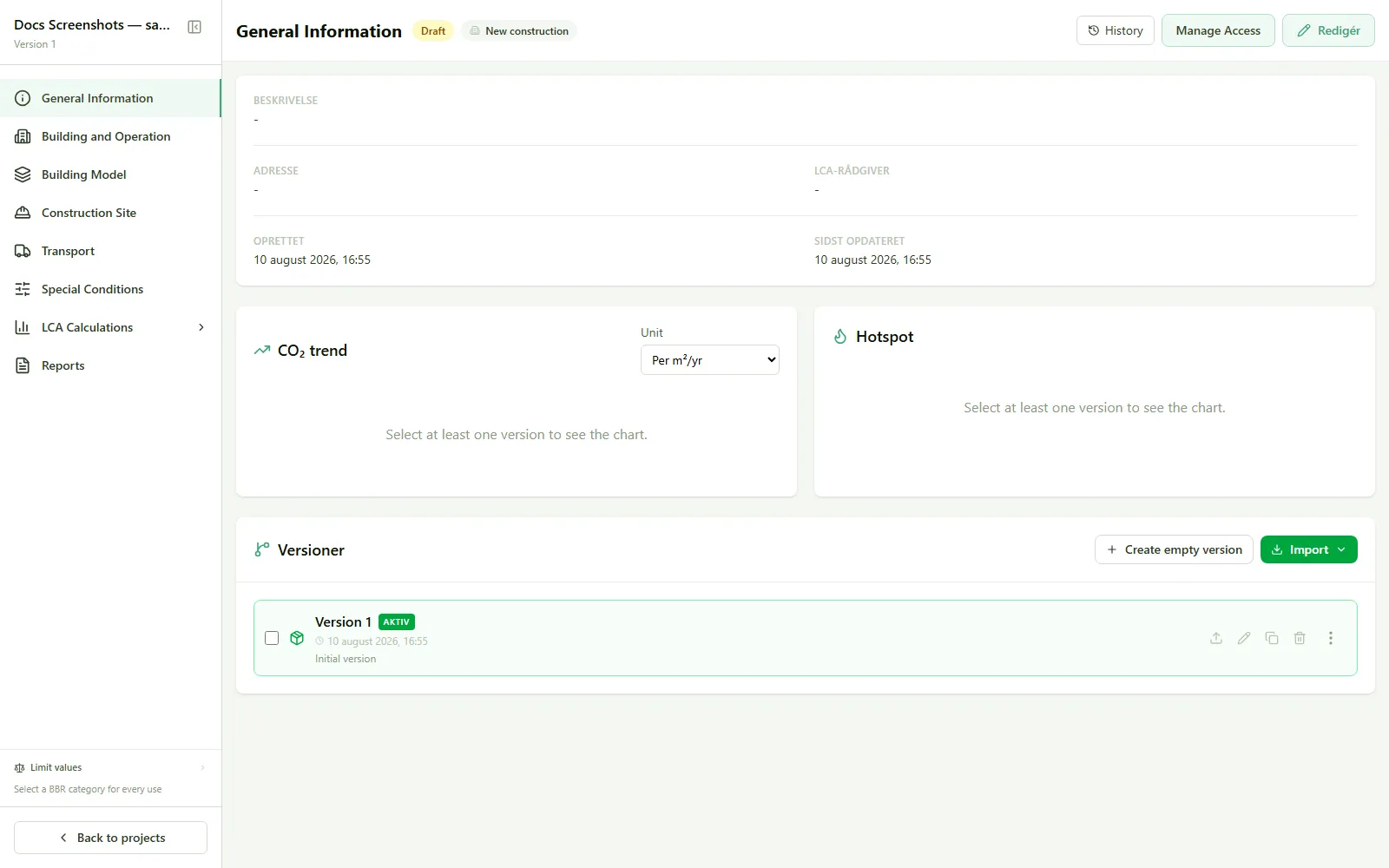
- Go to General information.
- Find the version list, and click Create empty version.
Result
Section titled “Result”A new, empty version is added to the project. It needs to be filled in from scratch: use How to copy a version instead if you want to build on an existing version.