
Machine-translated from Danish
How to add a building element
Purpose
Section titled “Purpose”Add a new construction (building element) to the building model.
Prerequisites
Section titled “Prerequisites”The project has a classification chosen under Building and operation.
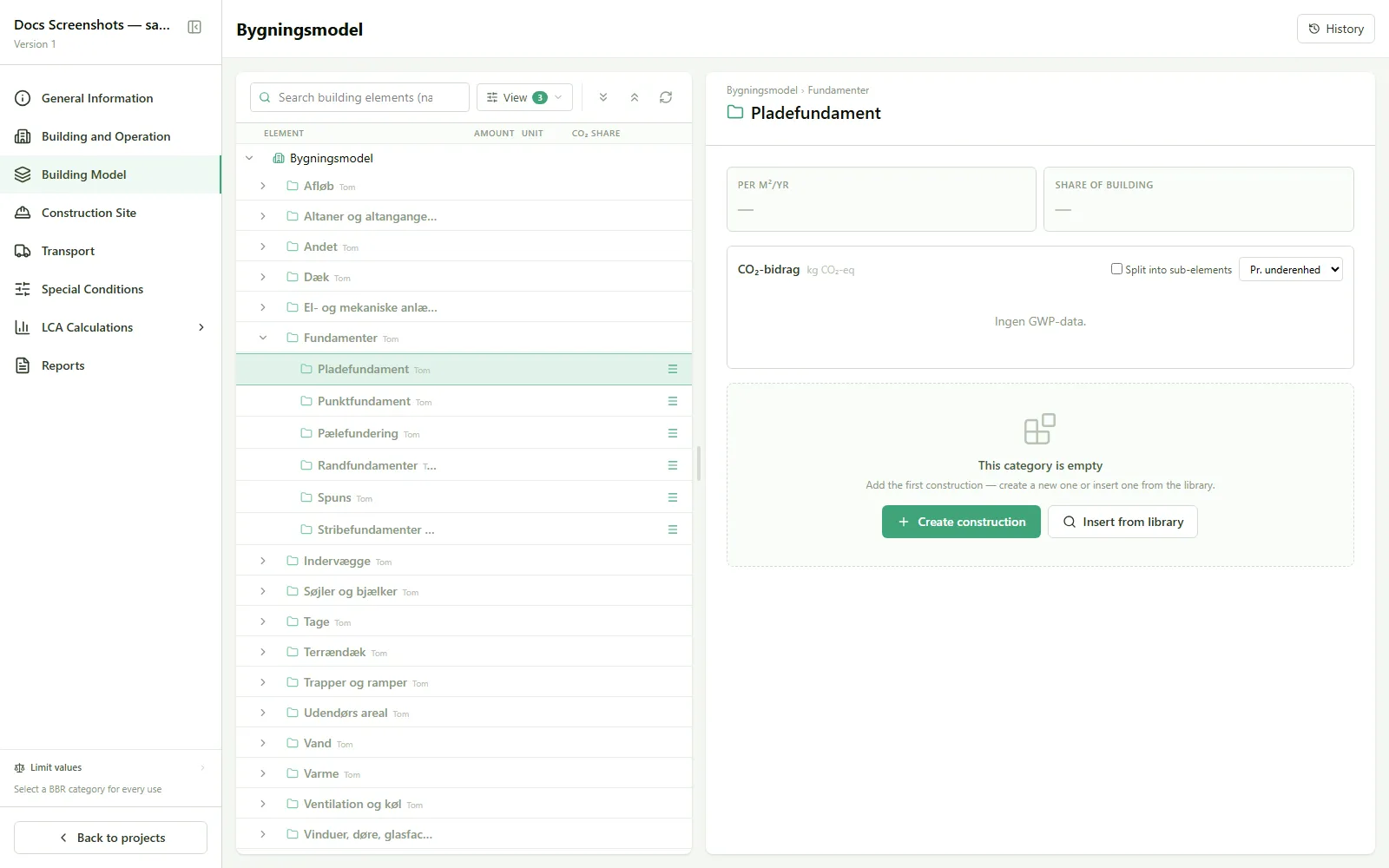
- Go to Building model, and find the category the construction belongs to.
- An empty category shows a card with the text “The category is empty”.
- Choose Create construction (from scratch) or Insert from library.
- Set a quantity for the construction (e.g. m² of exterior wall).
Result
Section titled “Result”The construction now sits in the building model, ready to have building products added.