
Machine-translated from Danish
How to create a project from a template
Purpose
Section titled “Purpose”Reuse an existing template instead of starting from scratch.
Prerequisites
Section titled “Prerequisites”Nothing in particular: LCAbyg’s official templates are always available. Your organization may also have its own templates.
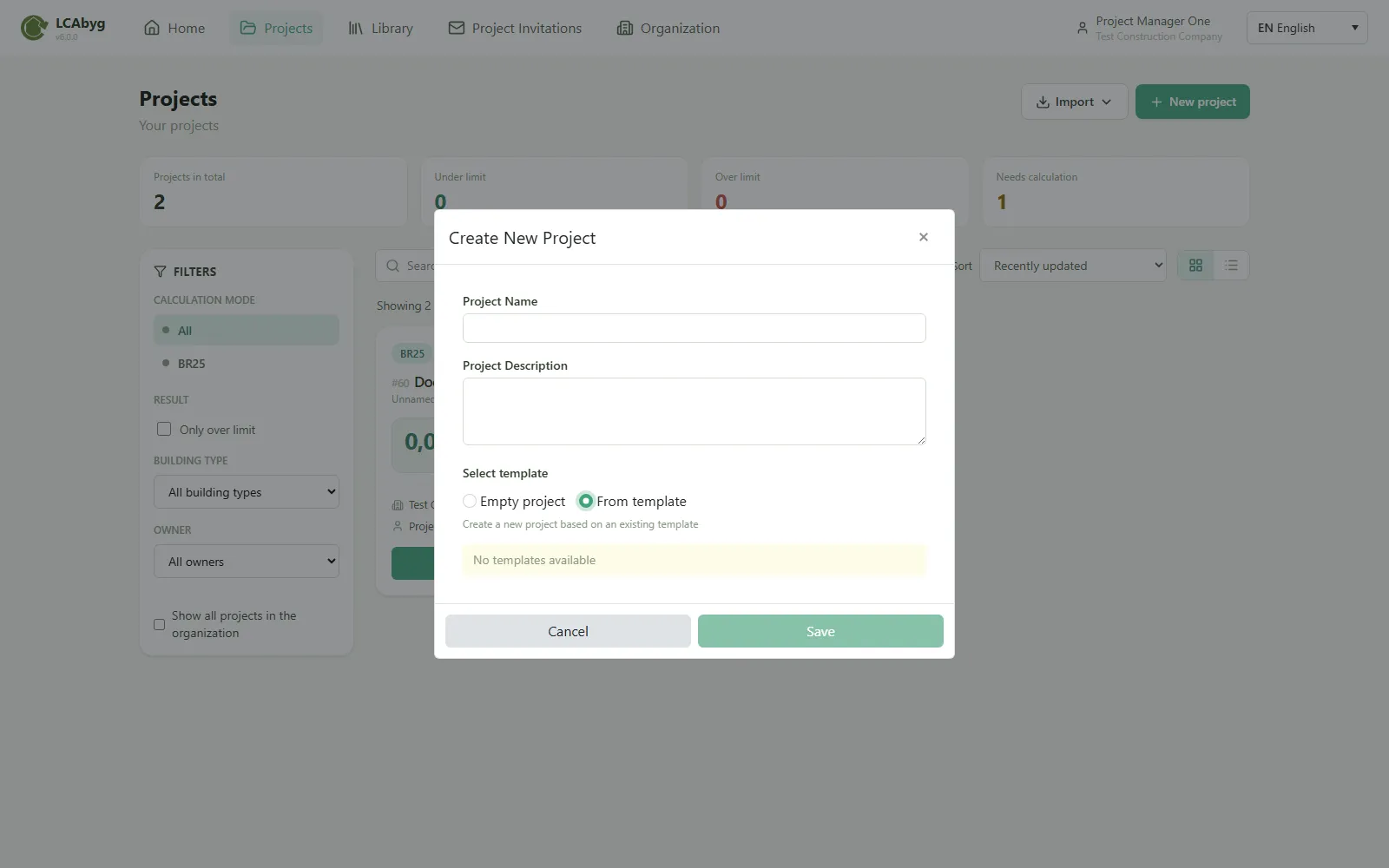
- Click Projects in the top menu, then New project.
- Choose From template.
- Select the template from the list. It is split into Official templates and Organization templates, with a search field when there are many.
- Give the new project a name.
- Click Save.
Result
Section titled “Result”A new project is created with the template’s content as its starting point, you’re the owner of the new project, and the template itself is untouched.