
Machine-translated from Danish
How to import a project from LCAbyg desktop (.lb5)
Purpose
Section titled “Purpose”Bring a project over from the old desktop program LCAbyg 5 (2023) into LCAbyg.
Prerequisites
Section titled “Prerequisites”You have the .lb5 file, and a project to import into (or create one along the way).
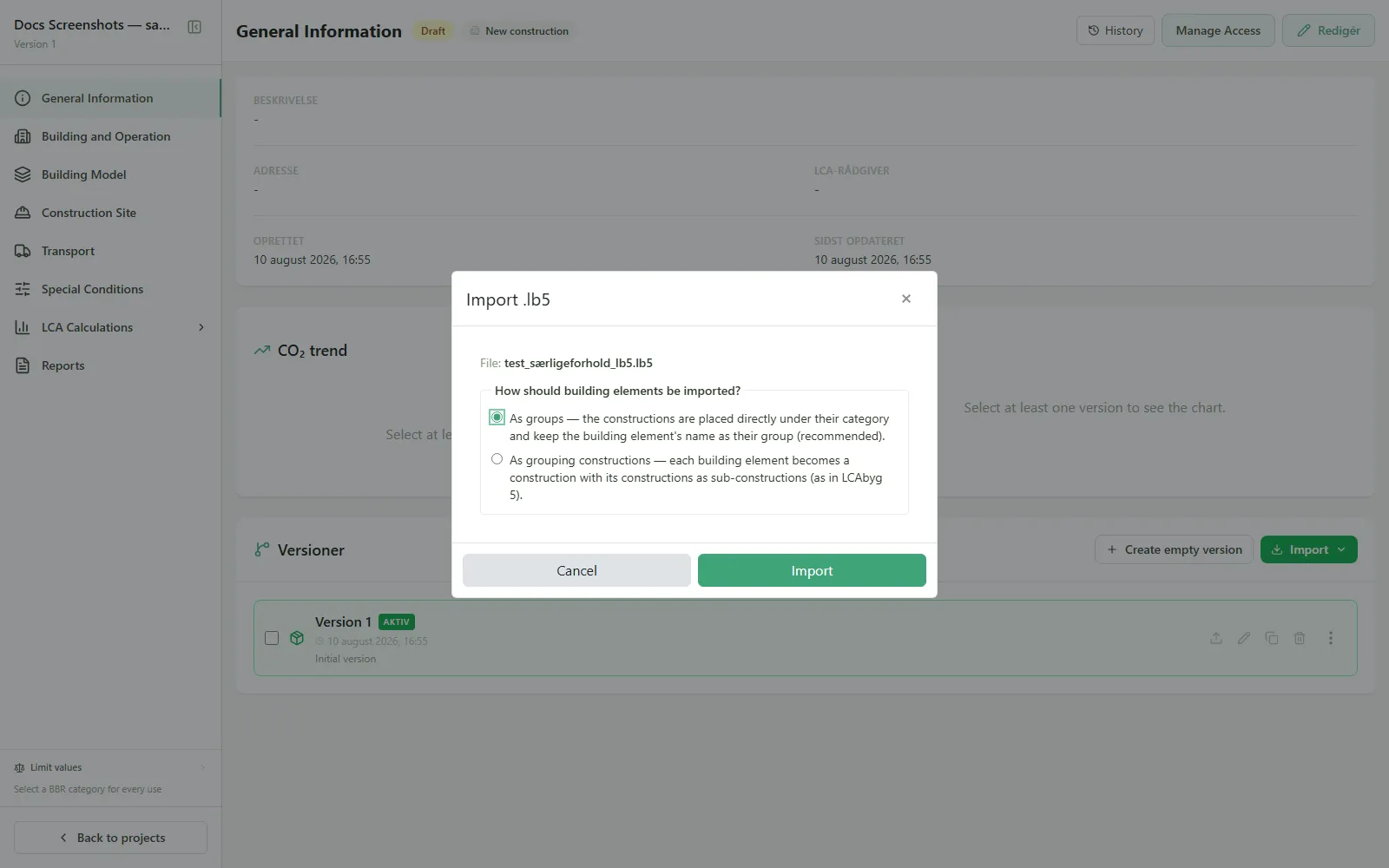
- Go to the project’s General information, and click Import.
- Choose Project file (.lb5), and select the file.
- If the file contains multiple scenarios, choose which to import: each selected scenario becomes a new version.
- Choose how building elements should be grouped: As groups (recommended, constructions keep the building element’s name as a group) or As combined constructions (like in LCAbyg 5).
- Click Import.
Result
Section titled “Result”Each selected scenario is created as a new version in the project. Any warnings from the import are shown in a report afterward.
See also
Section titled “See also”- The LCAbyg project file format: what happens during an import
- Scenarios: why a scenario becomes a version, and why EPD scenarios are something else